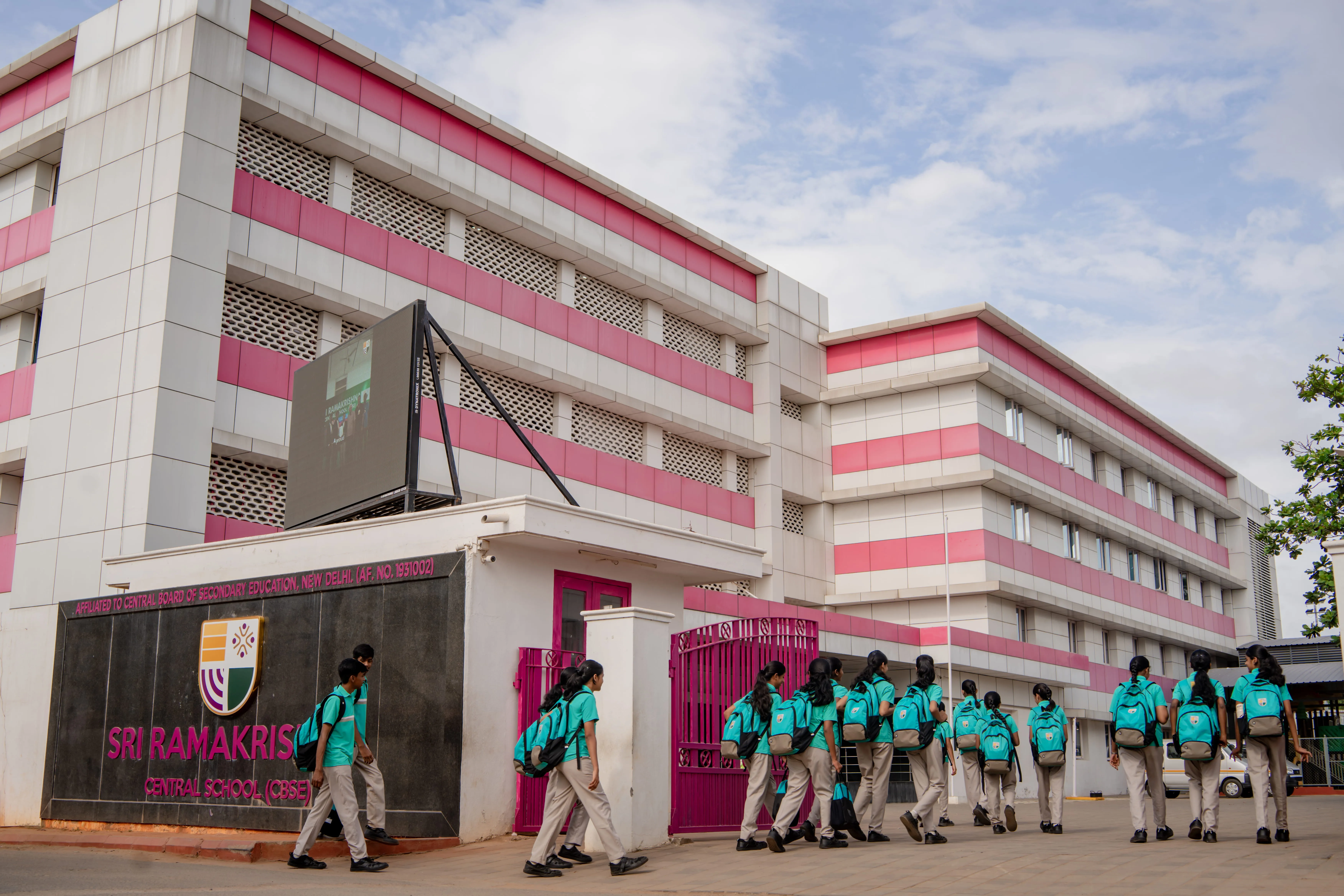
Admission Opens Now
Admissions are now open for the 2026–2027 academic year.

Terms and Conditions

Online Fee Payment

  • Online fee payment can be made by Net Banking, Credit Cards, Debit Cards, cash remittance at ICICI branches, or UPI.
  • Username is your Admission Number (e.g., if Admission No is 123/22, username will be 123/22.srcs).
  • Default password is Student@123. Verify the student name before proceeding.
  • Click on "Fee Management" to view the fee structure.
  • Go to the "Payments" tab after opening Fee Management.
  • Select the correct semester and click "Pay Fee". You will be redirected to the ICICI payment gateway to complete the transaction.

Processing Charges for Each Transaction

  • No charges for Internet Banking, RuPay Debit Card, or UPI.
  • Debit Cards (other than RuPay): ₹31 (including GST) will be added.
  • Default password is Student@123. Verify the student namebefore proceeding.
  • Credit Cards: 0.96% (including taxes) will be added.

For Your Kind Attention

  • Ensure sufficient card limit before making payment.
  • If a transaction fails, wait for three days before retrying.
  • Contact the accounts department for any discrepancies.
  • The provided details will be used only for payment processing and will be kept secure.

Cancellation / Refund Policy

  • Cancellation is not available.
  • For duplicate payments, contact the accounts department with transaction proof or bank statement.

Important

Thank you! Your submission has been received!
Oops! Something went wrong while submitting the form.